 louisnw
lightweight_charts_python




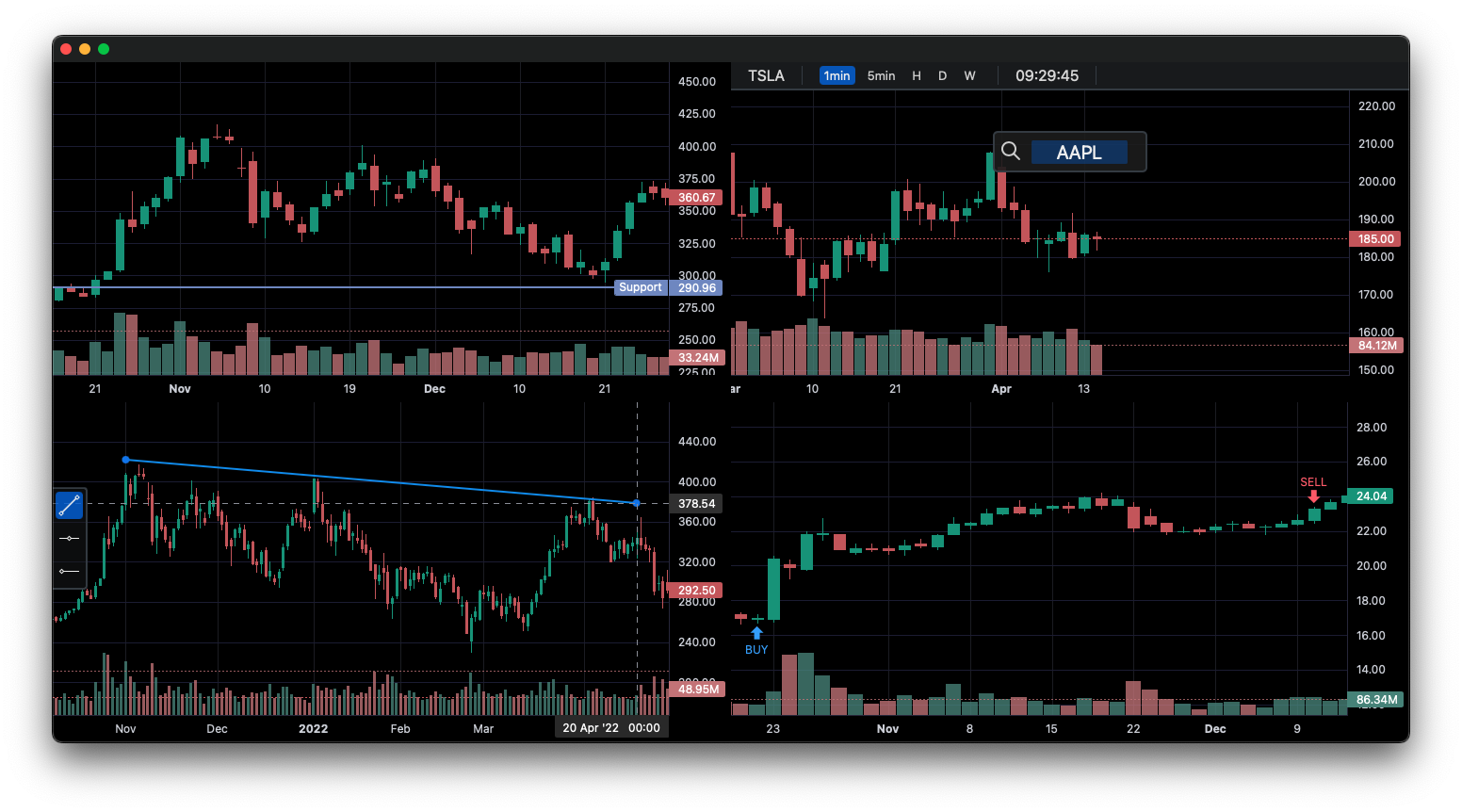
lightweight-charts-python aims to provide a simple and pythonic way to access and implement TradingView's Lightweight Charts.
Installation
pip install lightweight_charts
Features
- Simple and easy to use.
- Blocking or non-blocking GUI.
- Streamlined for live data, with methods for updating directly from tick data.
- Support for PyQt and wxPython.
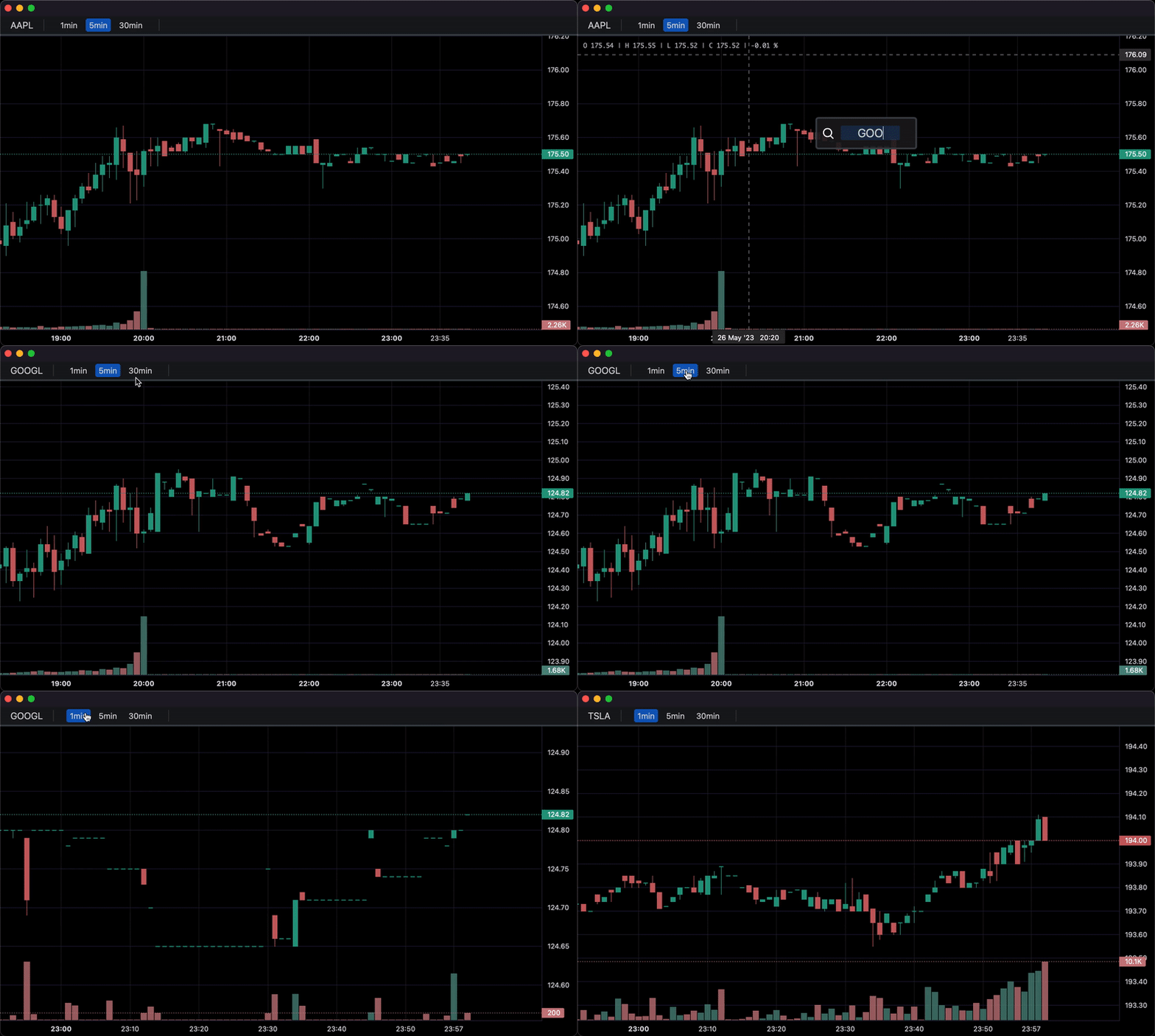
- Multi-Pane Charts using the
SubChart(examples).
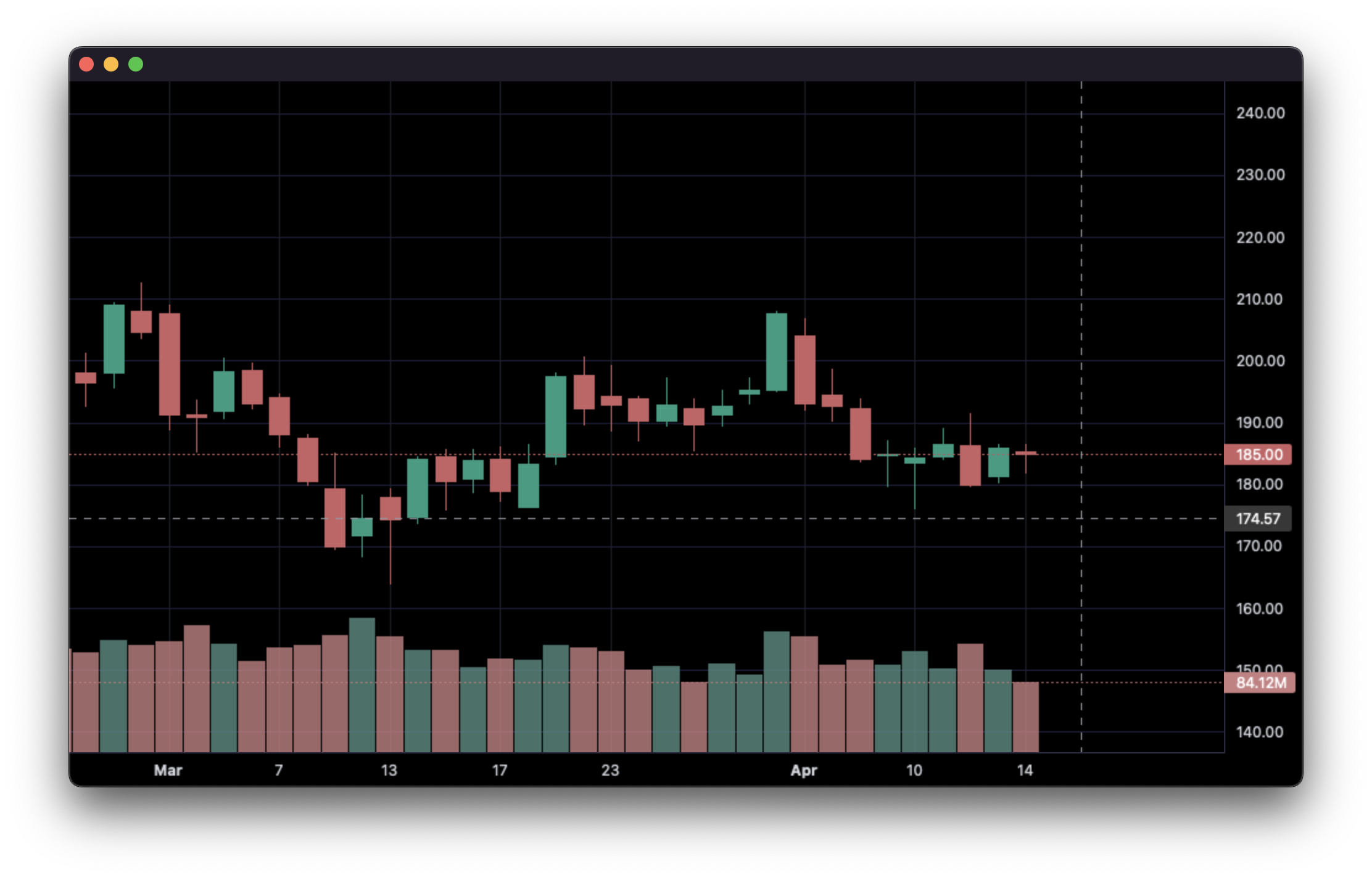
1. Display data from a csv:
import pandas as pd
from lightweight_charts import Chart


if __name__ == '__main__':

    chart = Chart()

    # Columns: | time | open | high | low | close | volume (if volume is enabled) |
    df = pd.read_csv('ohlcv.csv')
    chart.set(df)

    chart.show(block=True)
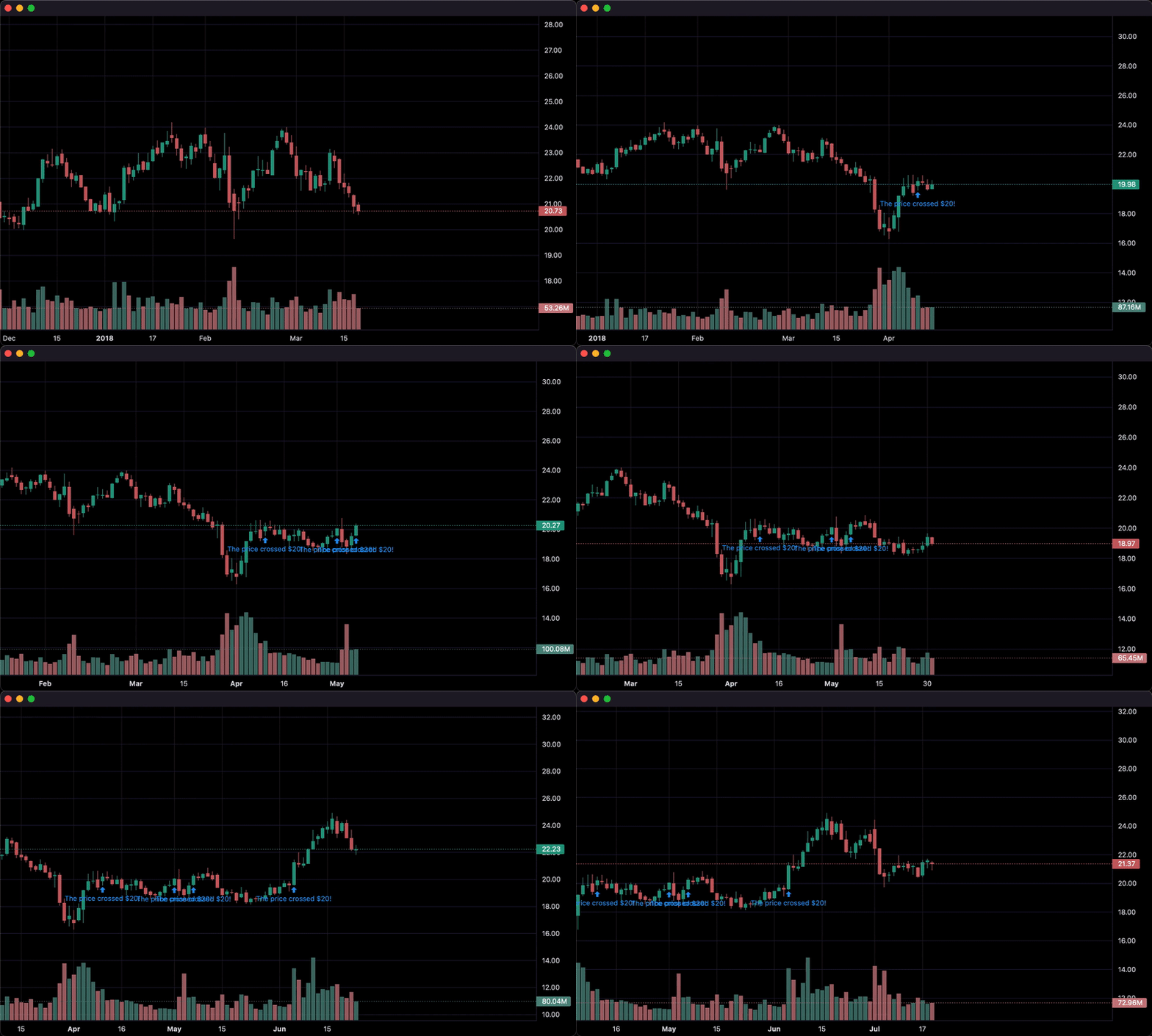
2. Updating bars in real-time:
import pandas as pd
from time import sleep
from lightweight_charts import Chart

if __name__ == '__main__':

    chart = Chart()

    df1 = pd.read_csv('ohlcv.csv')
    df2 = pd.read_csv('next_ohlcv.csv')

    chart.set(df1)

    chart.show()

    last_close = df1.iloc[-1]

    for i, series in df2.iterrows():
        chart.update(series)

        if series['close'] > 20 and last_close < 20:
            chart.marker(text='The price crossed $20!')

        last_close = series['close']
        sleep(0.1)
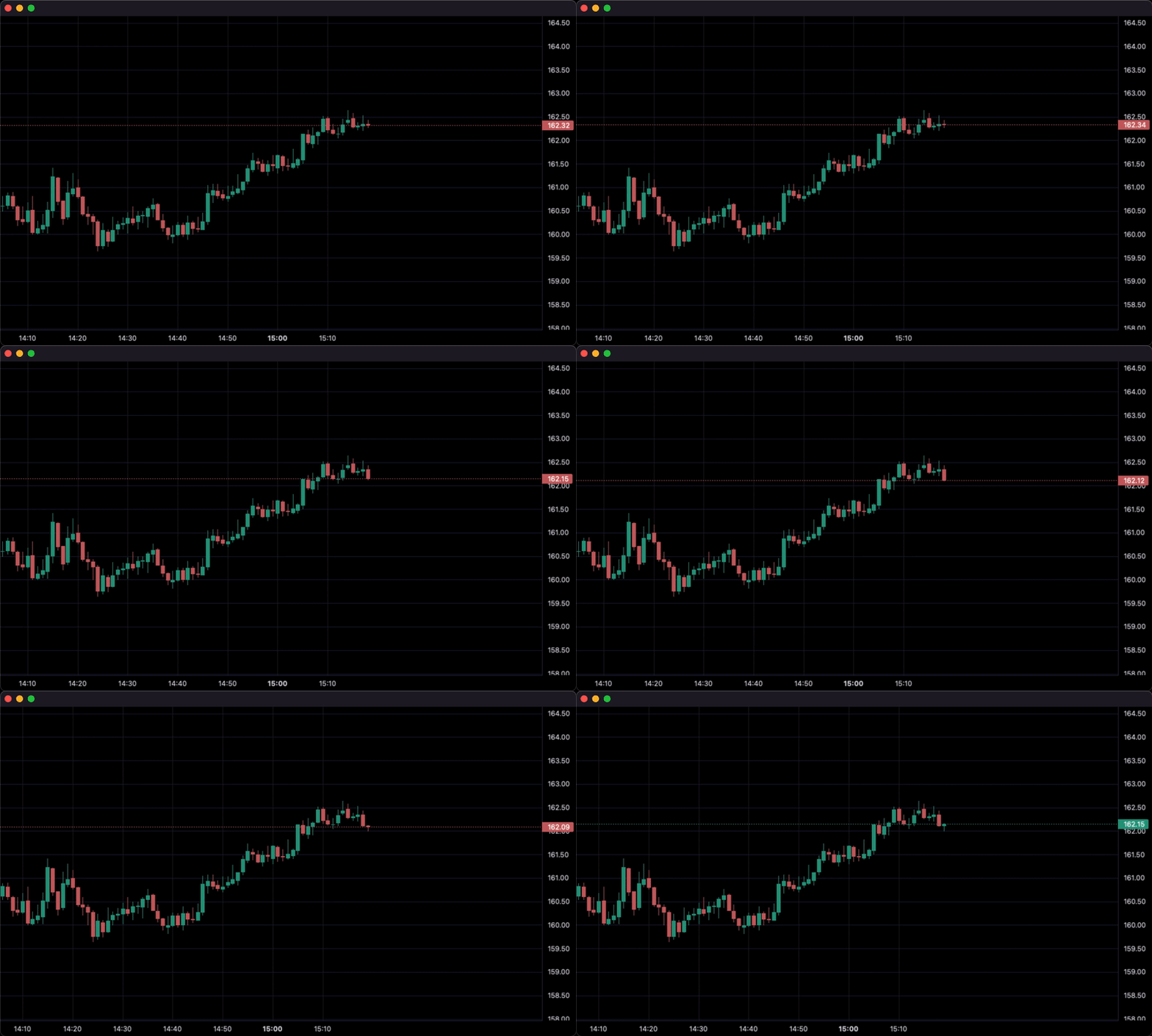
3. Updating bars from tick data in real-time:
import pandas as pd
from time import sleep
from lightweight_charts import Chart


if __name__ == '__main__':

    df1 = pd.read_csv('ohlc.csv')

    # Columns: | time | price | volume (if volume is enabled) |
    df2 = pd.read_csv('ticks.csv')

    chart = Chart(volume_enabled=False)

    chart.set(df1)

    chart.show()

    for i, tick in df2.iterrows():
        chart.update_from_tick(tick)

        sleep(0.3)
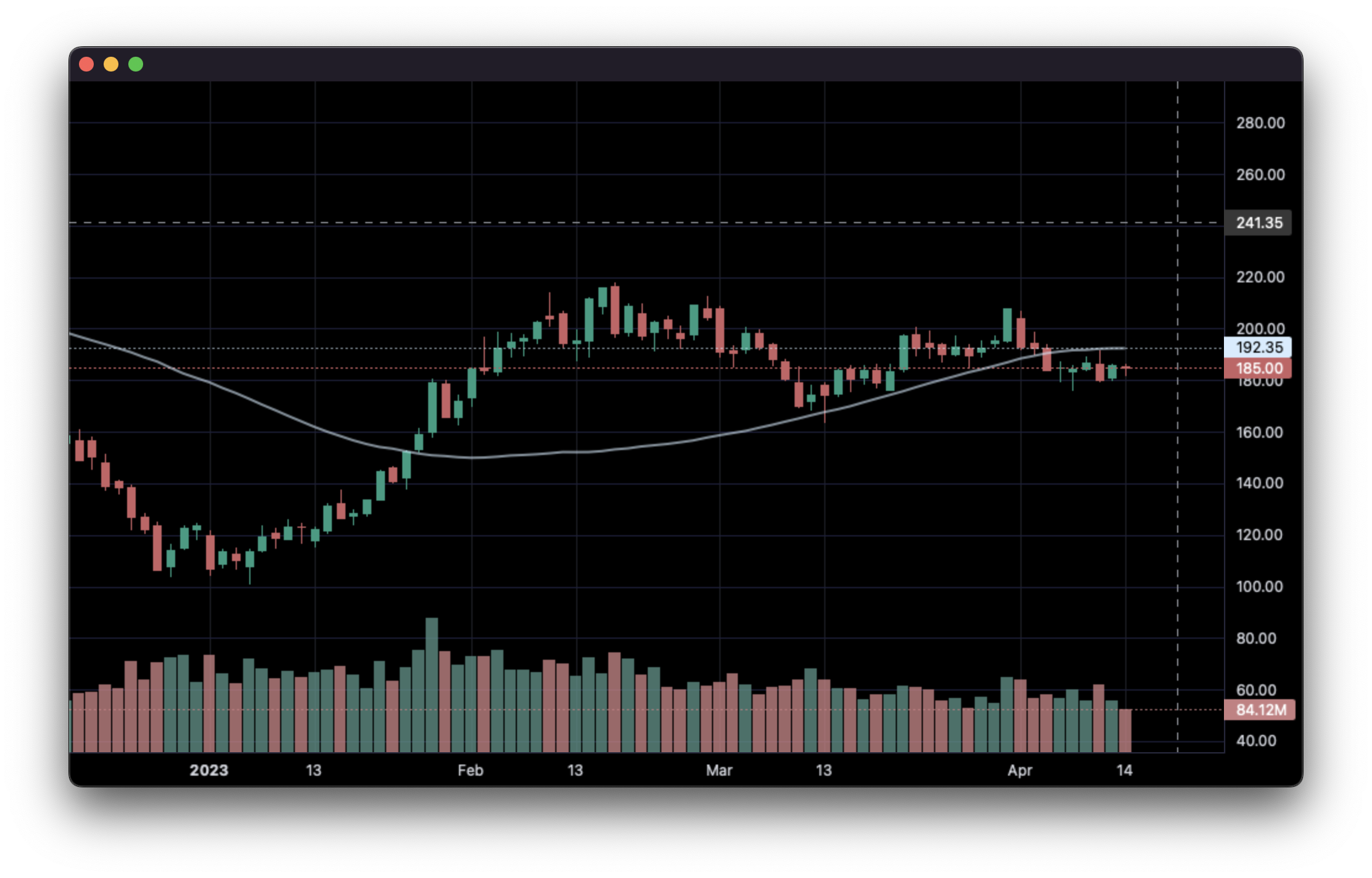
4. Line Indicators:
import pandas as pd
from lightweight_charts import Chart


def calculate_sma(data: pd.DataFrame, period: int = 50):
    def avg(d: pd.DataFrame):
        return d['close'].mean()
    result = []
    for i in range(period - 1, len(data)):
        val = avg(data.iloc[i - period + 1:i])
        result.append({'time': data.iloc[i]['date'], 'value': val})
    return pd.DataFrame(result)


if __name__ == '__main__':

    chart = Chart()

    df = pd.read_csv('ohlcv.csv')
    chart.set(df)

    line = chart.create_line()
    sma_data = calculate_sma(df)
    line.set(sma_data)

    chart.show(block=True)
5. Styling:
import pandas as pd
from lightweight_charts import Chart


if __name__ == '__main__':

    chart = Chart(debug=True)

    df = pd.read_csv('ohlcv.csv')

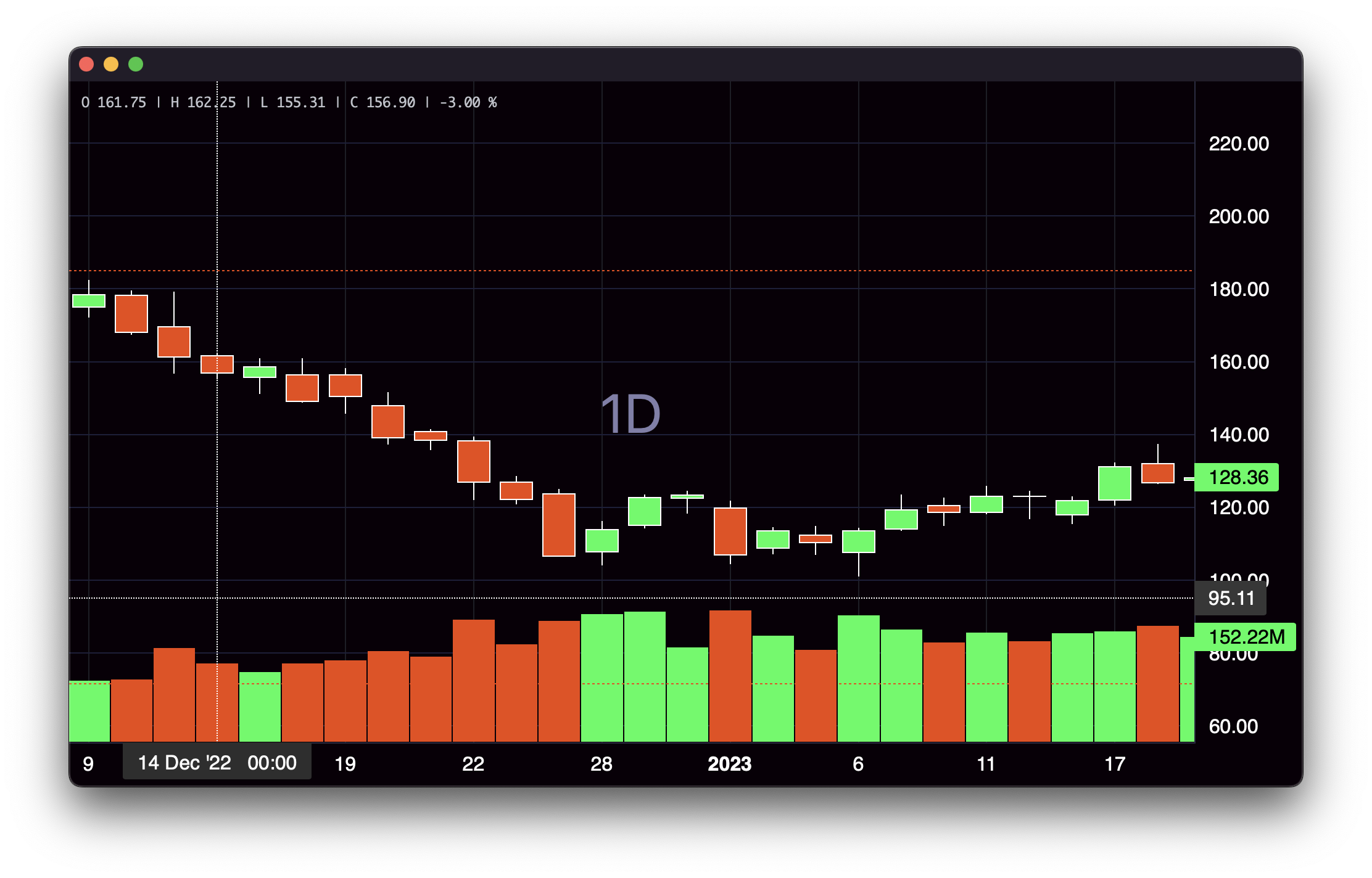
    chart.layout(background_color='#090008', text_color='#FFFFFF', font_size=16,
                 font_family='Helvetica')

    chart.candle_style(up_color='#00ff55', down_color='#ed4807',
                       border_up_color='#FFFFFF', border_down_color='#FFFFFF',
                       wick_up_color='#FFFFFF', wick_down_color='#FFFFFF')

    chart.volume_config(up_color='#00ff55', down_color='#ed4807')

    chart.watermark('1D', color='rgba(180, 180, 240, 0.7)')

    chart.crosshair(mode='normal', vert_color='#FFFFFF', vert_style='dotted',
                    horz_color='#FFFFFF', horz_style='dotted')

    chart.legend(visible=True, font_size=14)

    chart.set(df)

    chart.show(block=True)
6. Callbacks:
import pandas as pd
from lightweight_charts import Chart


def on_click(bar: dict):
    print(f"Time: {bar['time']} | Close: {bar['close']}")


if __name__ == '__main__':

    chart = Chart()

    df = pd.read_csv('ohlcv.csv')
    chart.set(df)

    chart.subscribe_click(on_click)

    chart.show(block=True)
This package is an independent creation and has not been endorsed, sponsored, or approved by TradingView. The author of this package does not have any official relationship with TradingView, and the package does not represent the views or opinions of TradingView.