 louisnw
34ce3f7199
louisnw
34ce3f7199
Breaking Changes:
- Removed the `api` parameter; callbacks no longer need to be in a specific class.
- Topbar callbacks now take a chart as an argument (see updated callback examples)
- Removed the `topbar` parameter from chart declaration. The Topbar will be automatically created upon declaration of a topbar widget.
- Removed the `searchbox` parameter from charts. It will be created upon subscribing to it in `chart.events`.
- Removed `dynamic_loading`.
- Removed ‘volume_enabled’ parameter. Volume will be enabled if the volumn column is present in the dataframe.
- Widgets’ `func` parameter is now declared last.
- Switchers take a tuple of options rather than a variable number of arguments.
- `add_hotkey` renamed to `hotkey`
- Horizontal lines now take a `func` argument rather than `interactive`. This event will emit the Line object that was moved.
- Removed the `name` parameter from `line.set`. Line object names are now declared upon creation.

Enhancements:
- Added the `button` widget to the Topbar.
- Added the color picker to the drawing context menu.
- Charts now have a `candle_data` method, which returns the current data displayed on the chart as a DataFrame.
- Fixed callbacks are now located in the `chart.events` object:
    - search (e.g `chart.events.search += on_search`)
    - new_bar
    - range_change
- Added volume to the legend
- Drawings can now be accessed through `chart.toolbox.drawings`
- added the `style` and `name` parameters to `create_line`

Bug Fixes:
- Fixed a bug causing new charts not to load after `exit` was called.
- Refactored rayline placement to ensure they do not move the visible range.
- Fixed a bug causing the visible range to shift when trendlines are moved past the final candlestick.
- Fixed a bug preventing trendlines and raylines on irregular timeframes.
- Fixed a bug causing the legend to prevent mouse input into the chart.
lightweight-charts-python




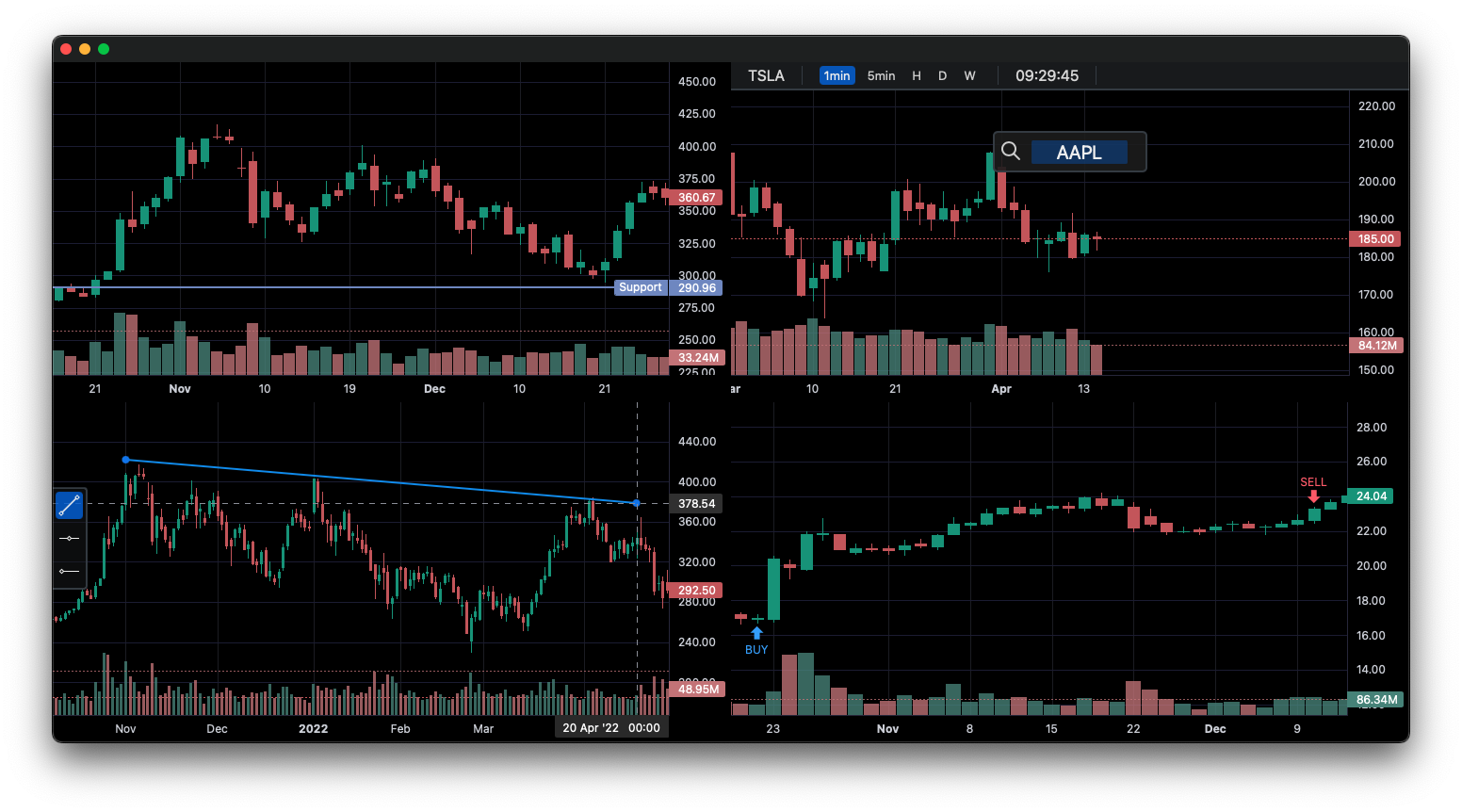
lightweight-charts-python aims to provide a simple and pythonic way to access and implement TradingView's Lightweight Charts.
Installation
pip install lightweight-charts
- White screen? Having issues with pywebview? Click here.
Features
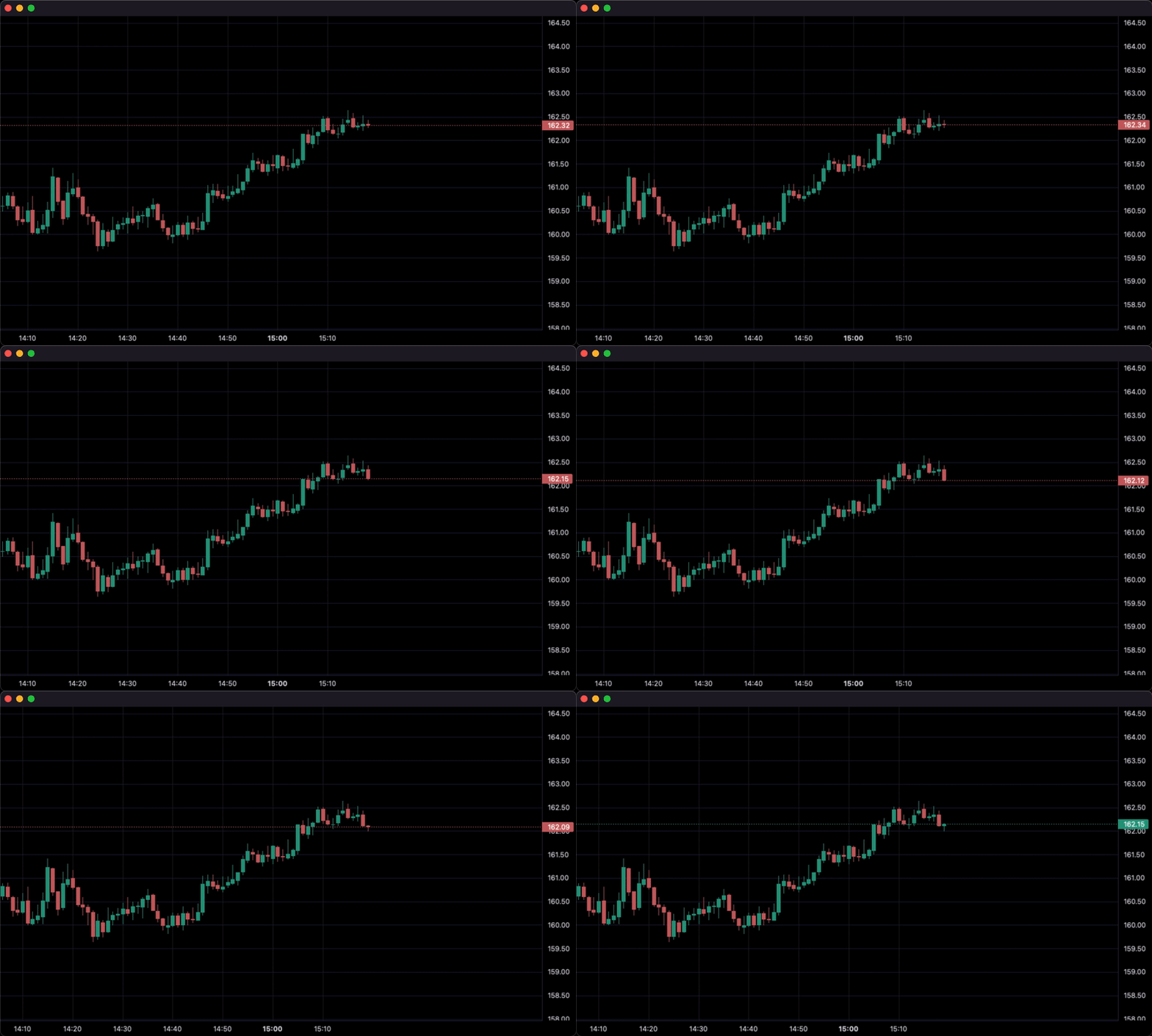
- Streamlined for live data, with methods for updating directly from tick data.
- Multi-pane charts using Subcharts.
- The Toolbox, allowing for trendlines, rays and horizontal lines to be drawn directly onto charts.
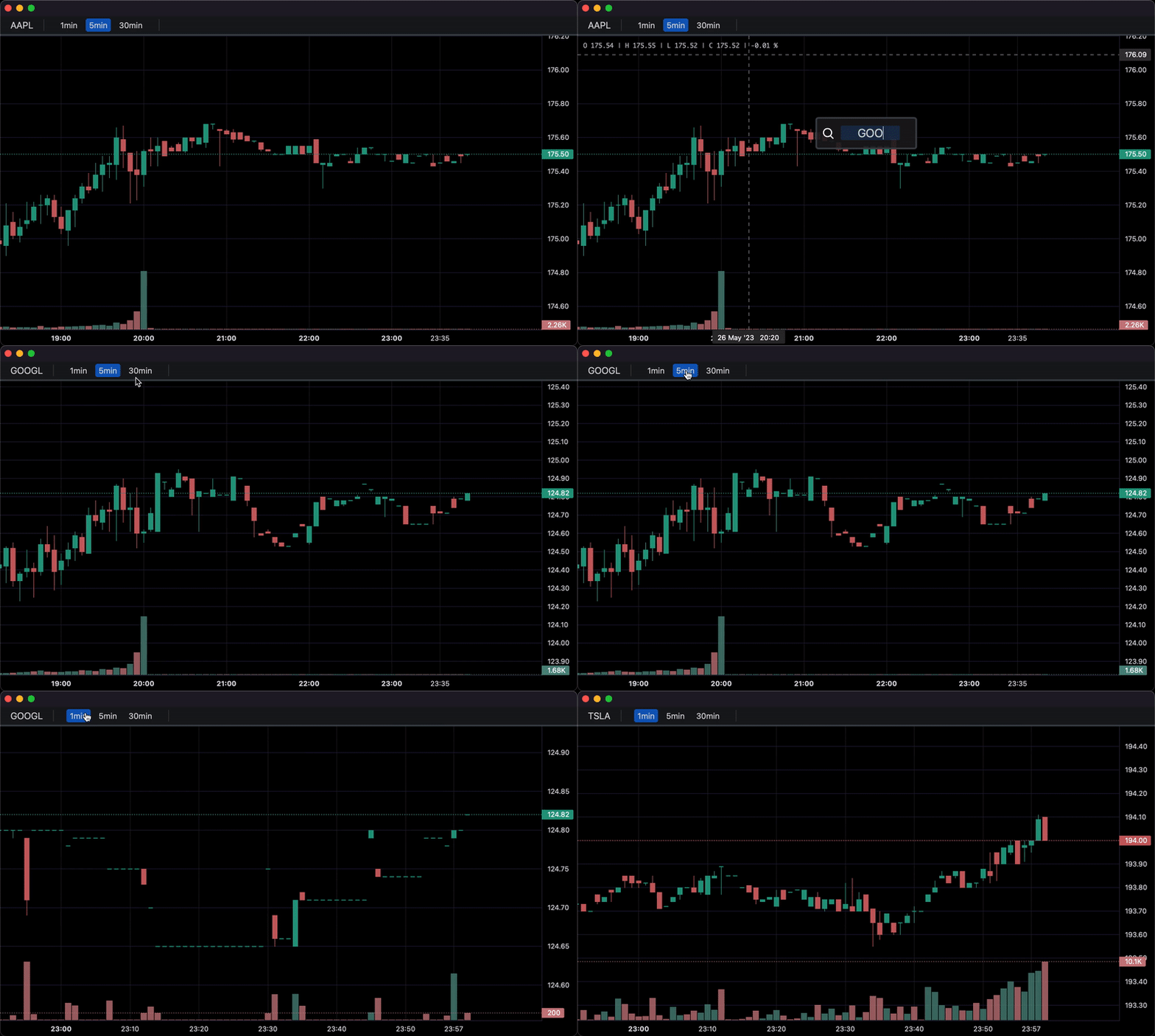
- Callbacks allowing for timeframe selectors (1min, 5min, 30min etc.), searching, hotkeys, and more.
- Tables for watchlists, order entry, and trade management.
- Direct integration of market data through Polygon.io's market data API.
Supports: Jupyter Notebooks, PyQt5, PySide6, wxPython, Streamlit, and asyncio.
PartTimeLarry: Interactive Brokers API and TradingView Charts in Python
1. Display data from a csv:
import pandas as pd
from lightweight_charts import Chart


if __name__ == '__main__':

    chart = Chart()

    # Columns: time | open | high | low | close | volume
    df = pd.read_csv('ohlcv.csv')
    chart.set(df)

    chart.show(block=True)
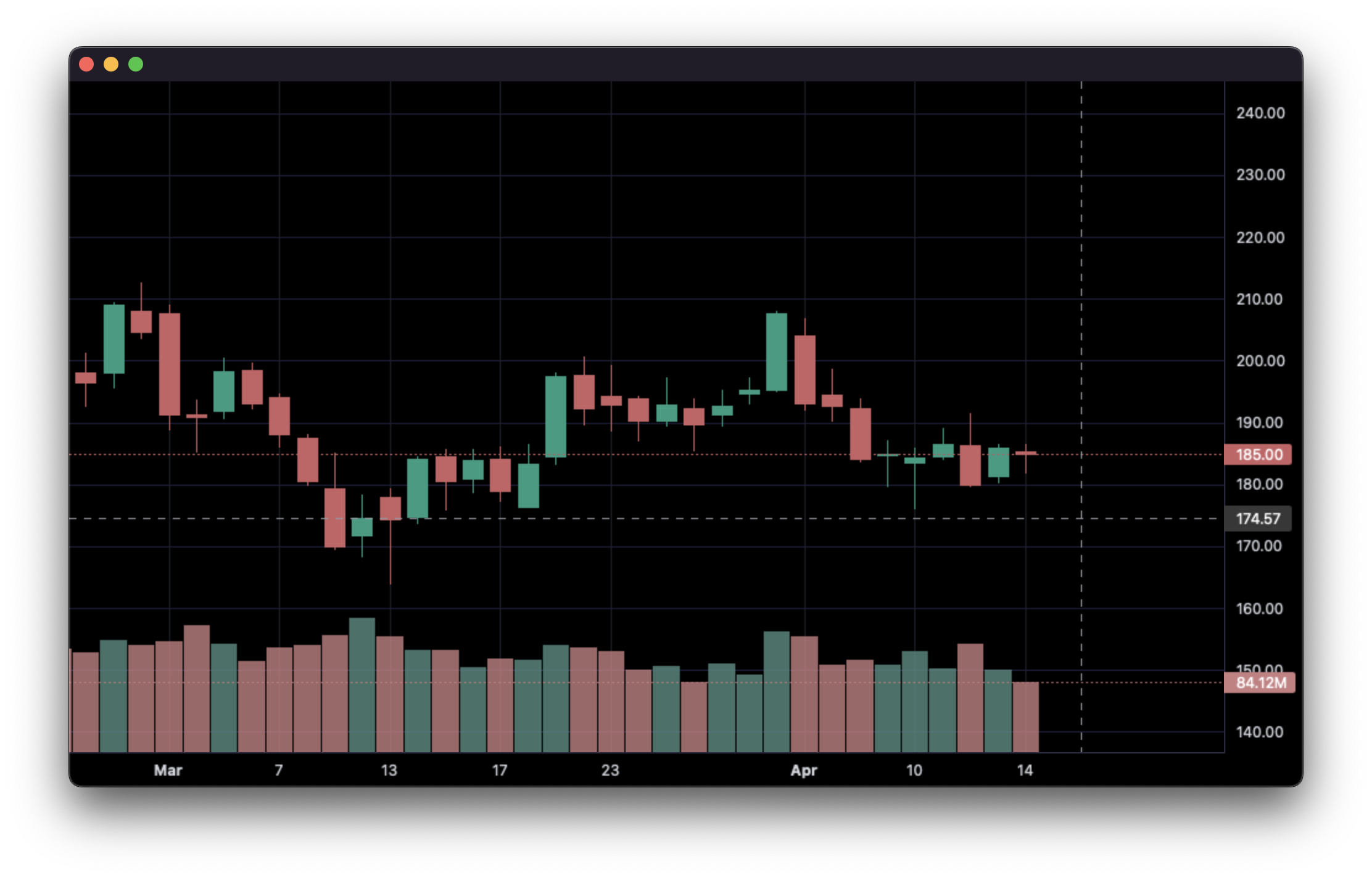
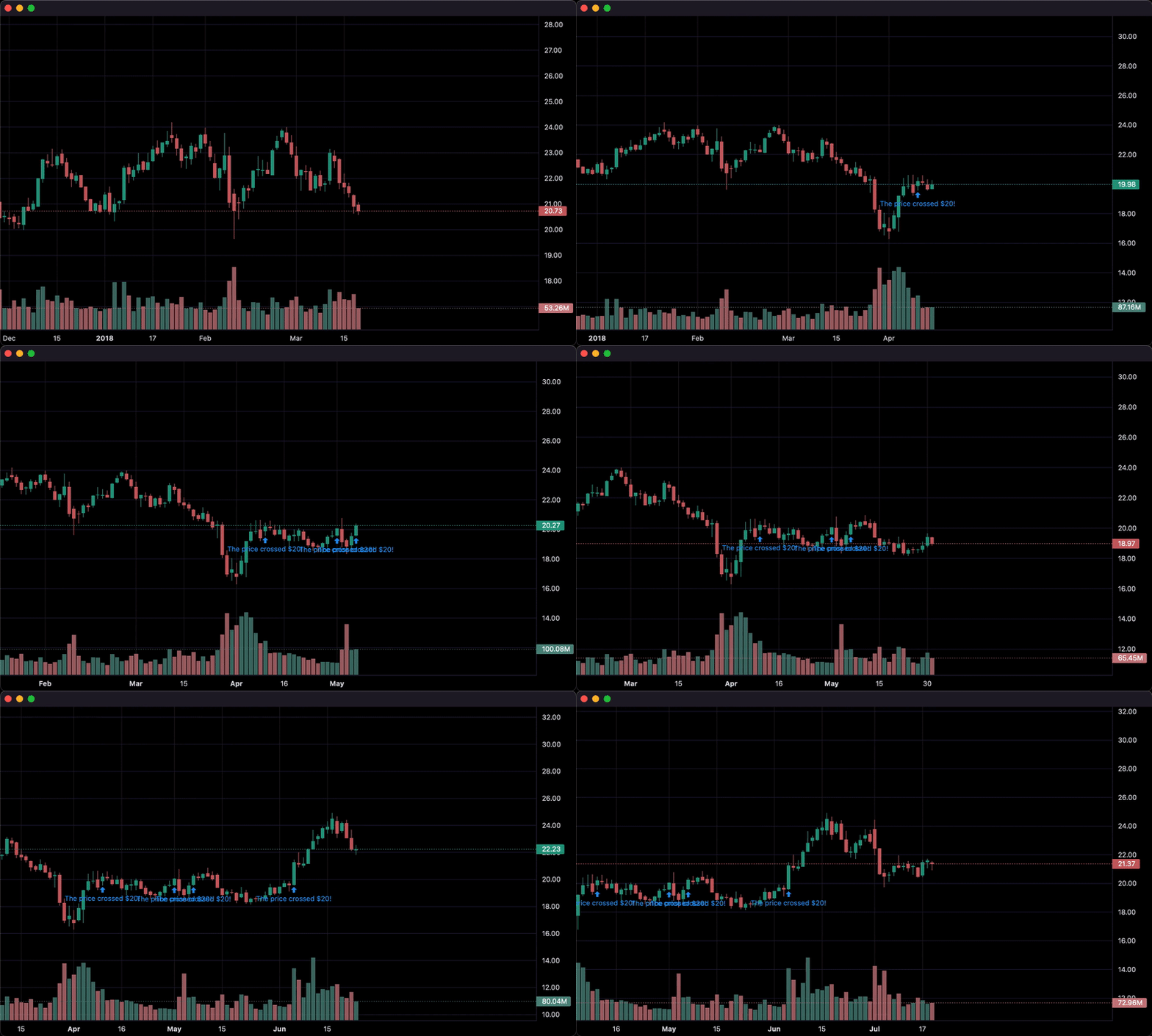
2. Updating bars in real-time:
import pandas as pd
from time import sleep
from lightweight_charts import Chart

if __name__ == '__main__':

    chart = Chart()

    df1 = pd.read_csv('ohlcv.csv')
    df2 = pd.read_csv('next_ohlcv.csv')

    chart.set(df1)

    chart.show()

    last_close = df1.iloc[-1]

    for i, series in df2.iterrows():
        chart.update(series)

        if series['close'] > 20 and last_close < 20:
            chart.marker(text='The price crossed $20!')

        last_close = series['close']
        sleep(0.1)
3. Updating bars from tick data in real-time:
import pandas as pd
from time import sleep
from lightweight_charts import Chart


if __name__ == '__main__':

    df1 = pd.read_csv('ohlc.csv')

    # Columns: time | price
    df2 = pd.read_csv('ticks.csv')

    chart = Chart()

    chart.set(df1)

    chart.show()

    for i, tick in df2.iterrows():
        chart.update_from_tick(tick)

        sleep(0.03)
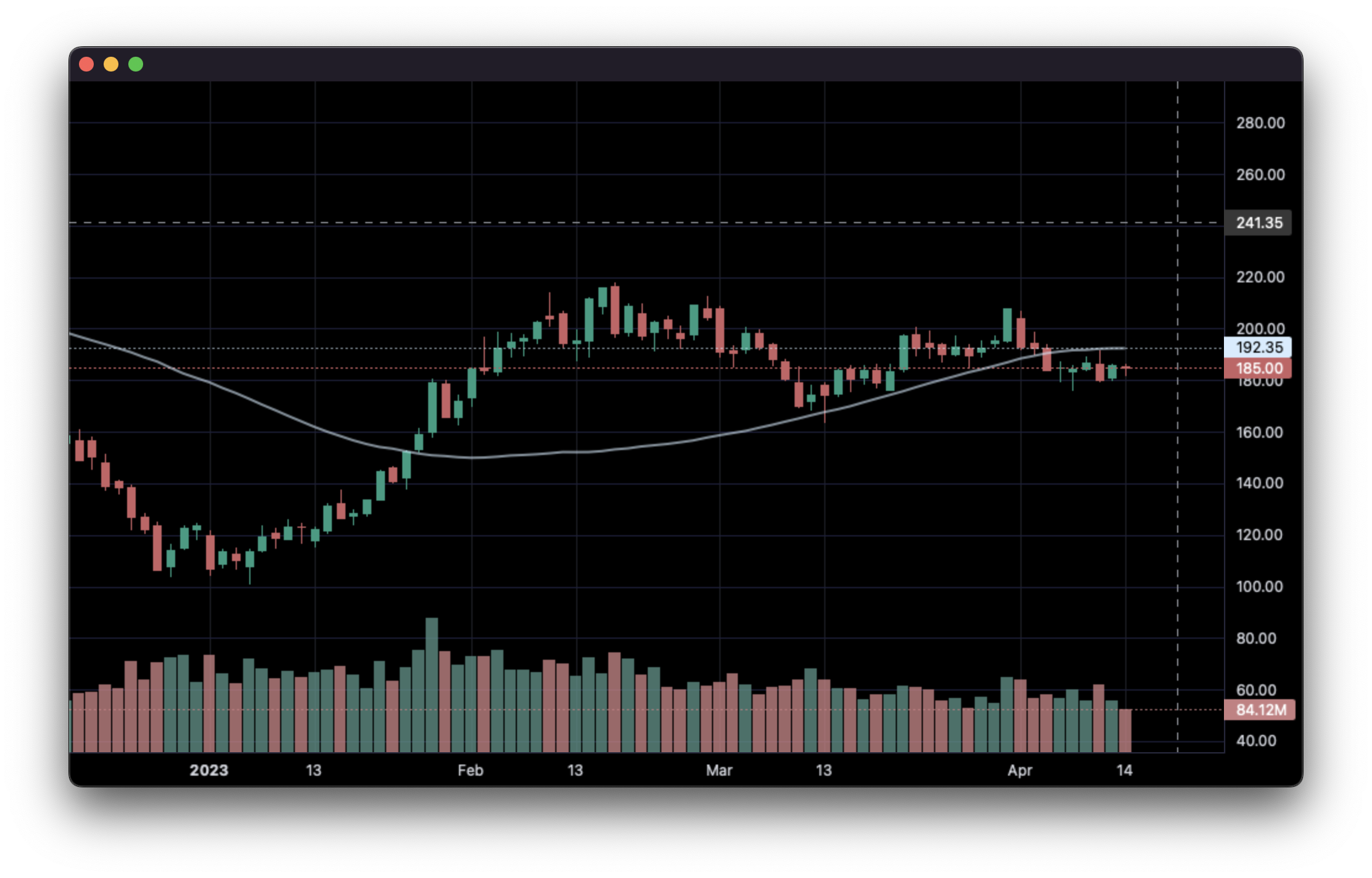
4. Line Indicators:
import pandas as pd
from lightweight_charts import Chart


def calculate_sma(df, period: int = 50):
    return pd.DataFrame({
        'time': df['date'],
        f'SMA {period}': df['close'].rolling(window=period).mean()
    }).dropna()


if __name__ == '__main__':
    chart = Chart()
    chart.legend(visible=True)

    df = pd.read_csv('ohlcv.csv')
    chart.set(df)

    line = chart.create_line('SMA 50')
    sma_data = calculate_sma(df, period=50)
    line.set(sma_data)

    chart.show(block=True)
5. Styling:
import pandas as pd
from lightweight_charts import Chart


if __name__ == '__main__':

    chart = Chart()

    df = pd.read_csv('ohlcv.csv')

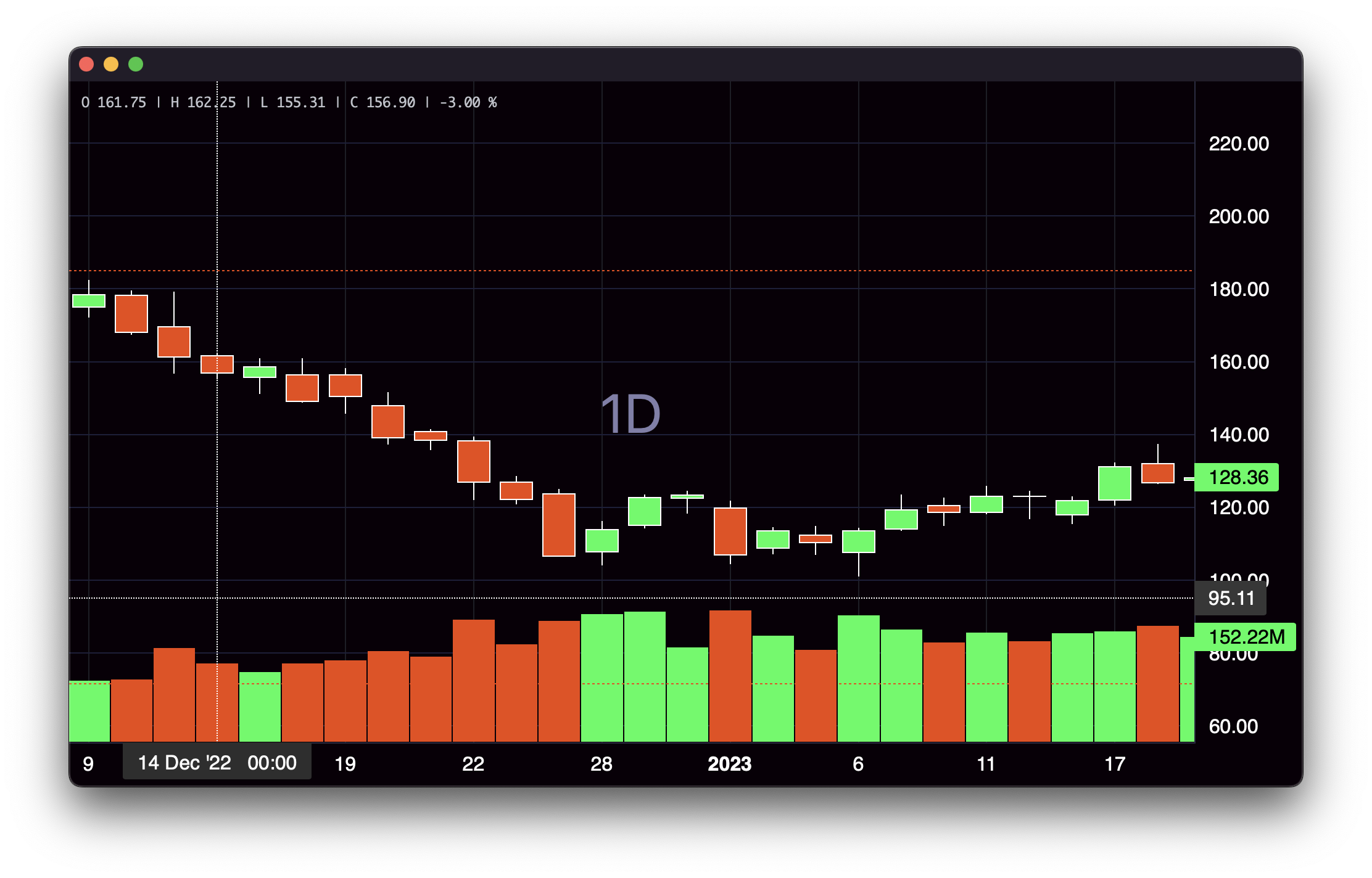
    chart.layout(background_color='#090008', text_color='#FFFFFF', font_size=16,
                 font_family='Helvetica')

    chart.candle_style(up_color='#00ff55', down_color='#ed4807',
                       border_up_color='#FFFFFF', border_down_color='#FFFFFF',
                       wick_up_color='#FFFFFF', wick_down_color='#FFFFFF')

    chart.volume_config(up_color='#00ff55', down_color='#ed4807')

    chart.watermark('1D', color='rgba(180, 180, 240, 0.7)')

    chart.crosshair(mode='normal', vert_color='#FFFFFF', vert_style='dotted',
                    horz_color='#FFFFFF', horz_style='dotted')

    chart.legend(visible=True, font_size=14)

    chart.set(df)

    chart.show(block=True)
6. Callbacks:
import pandas as pd
from lightweight_charts import Chart


def get_bar_data(symbol, timeframe):
    if symbol not in ('AAPL', 'GOOGL', 'TSLA'):
        print(f'No data for "{symbol}"')
        return pd.DataFrame()
    return pd.read_csv(f'bar_data/{symbol}_{timeframe}.csv')


def on_search(chart, searched_string):  # Called when the user searches.
    new_data = get_bar_data(searched_string, chart.topbar['timeframe'].value)
    if new_data.empty:
        return
    chart.topbar['symbol'].set(searched_string)
    chart.set(new_data)


def on_timeframe_selection(chart):  # Called when the user changes the timeframe.
    new_data = get_bar_data(chart.topbar['symbol'].value, chart.topbar['timeframe'].value)
    if new_data.empty:
        return
    chart.set(new_data, True)


def on_horizontal_line_move(chart, line):
    print(f'Horizontal line moved to: {line.price}')


if __name__ == '__main__':
    chart = Chart(toolbox=True)
    chart.legend(True)

    chart.events.search += on_search

    chart.topbar.textbox('symbol', 'TSLA')
    chart.topbar.switcher('timeframe', ('1min', '5min', '30min'), default='5min',
                          func=on_timeframe_selection)

    df = get_bar_data('TSLA', '5min')
    chart.set(df)

    chart.horizontal_line(200, func=on_horizontal_line_move)

    chart.show(block=True)
Inquiries: shaders_worker_0e@icloud.com
This package is an independent creation and has not been endorsed, sponsored, or approved by TradingView. The author of this package does not have any official relationship with TradingView, and the package does not represent the views or opinions of TradingView.